
From roster to the fence in one afternoon.
A walk through what your coaches, your parents and athletes, and the college coaches at your games each see, using a made-up team. Every picture here is the real product.
Set up your team.
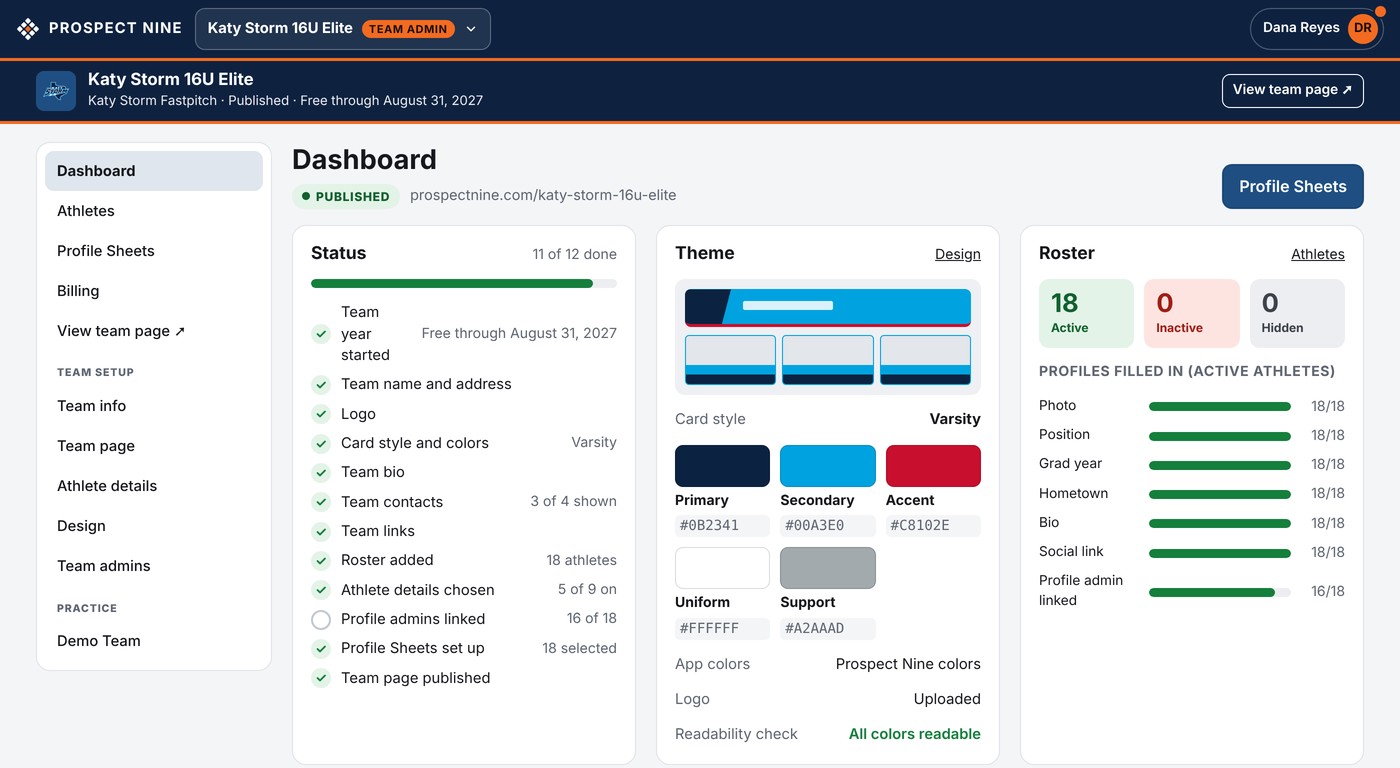
Your logo, your colors and one of seven card styles. The dashboard checklist shows what's left, and your organization's Demo Team, with made-up athletes, lets you try things first.
Add your roster and send invitations.
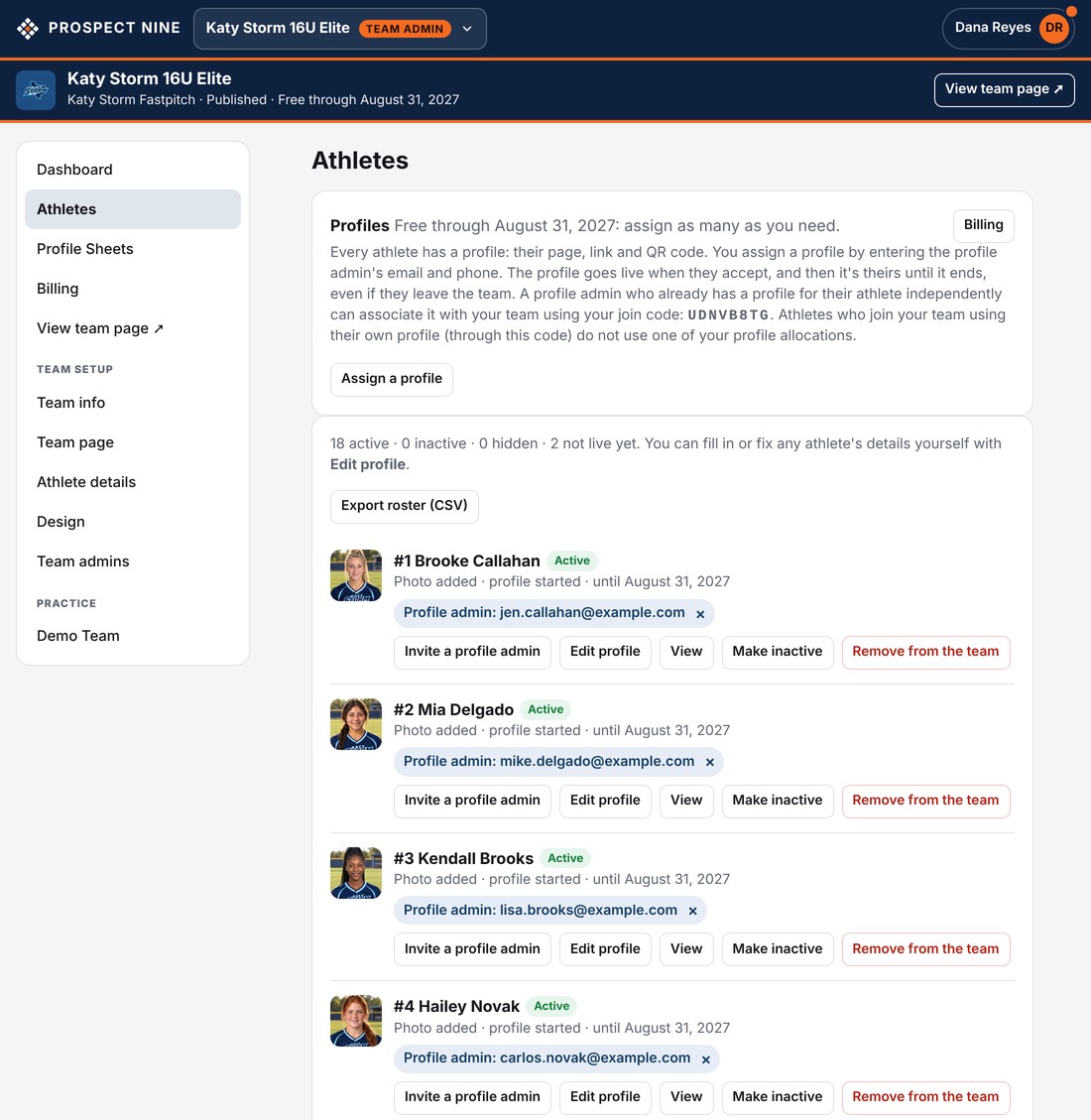
Paste a list or upload a spreadsheet. Then assign each athlete a profile with a parent's or athlete's email and phone: they get an invitation and take it from there.
Print the roster sheet.
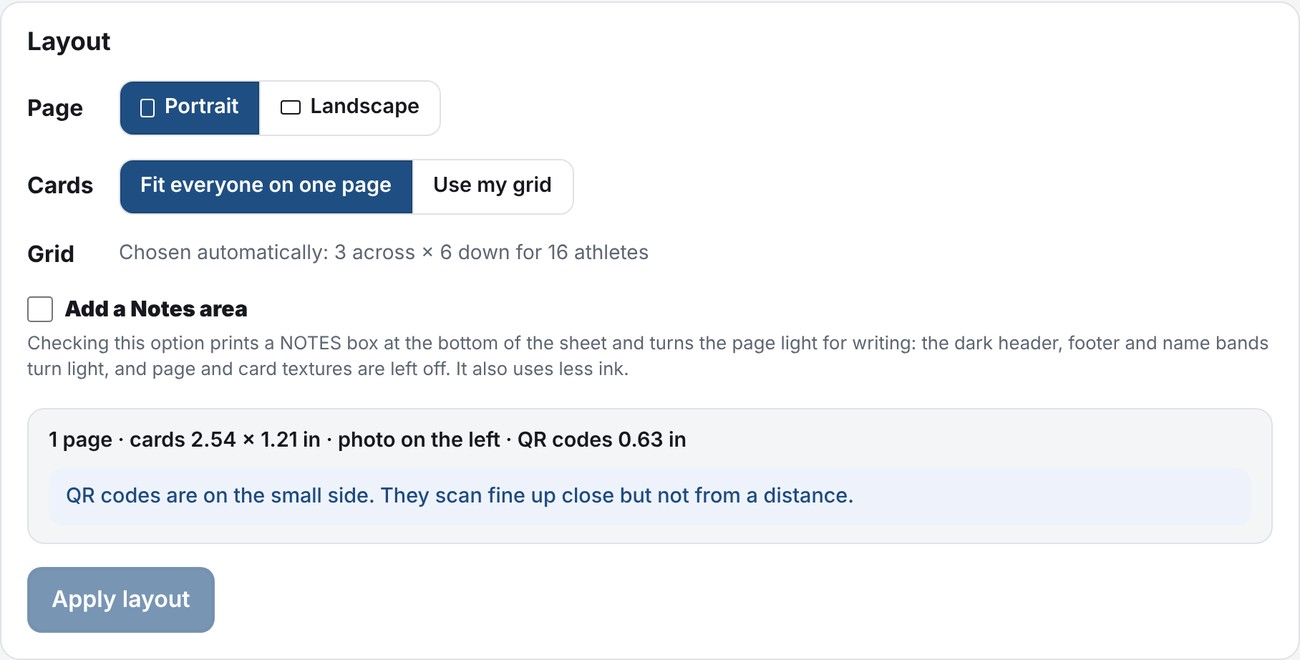
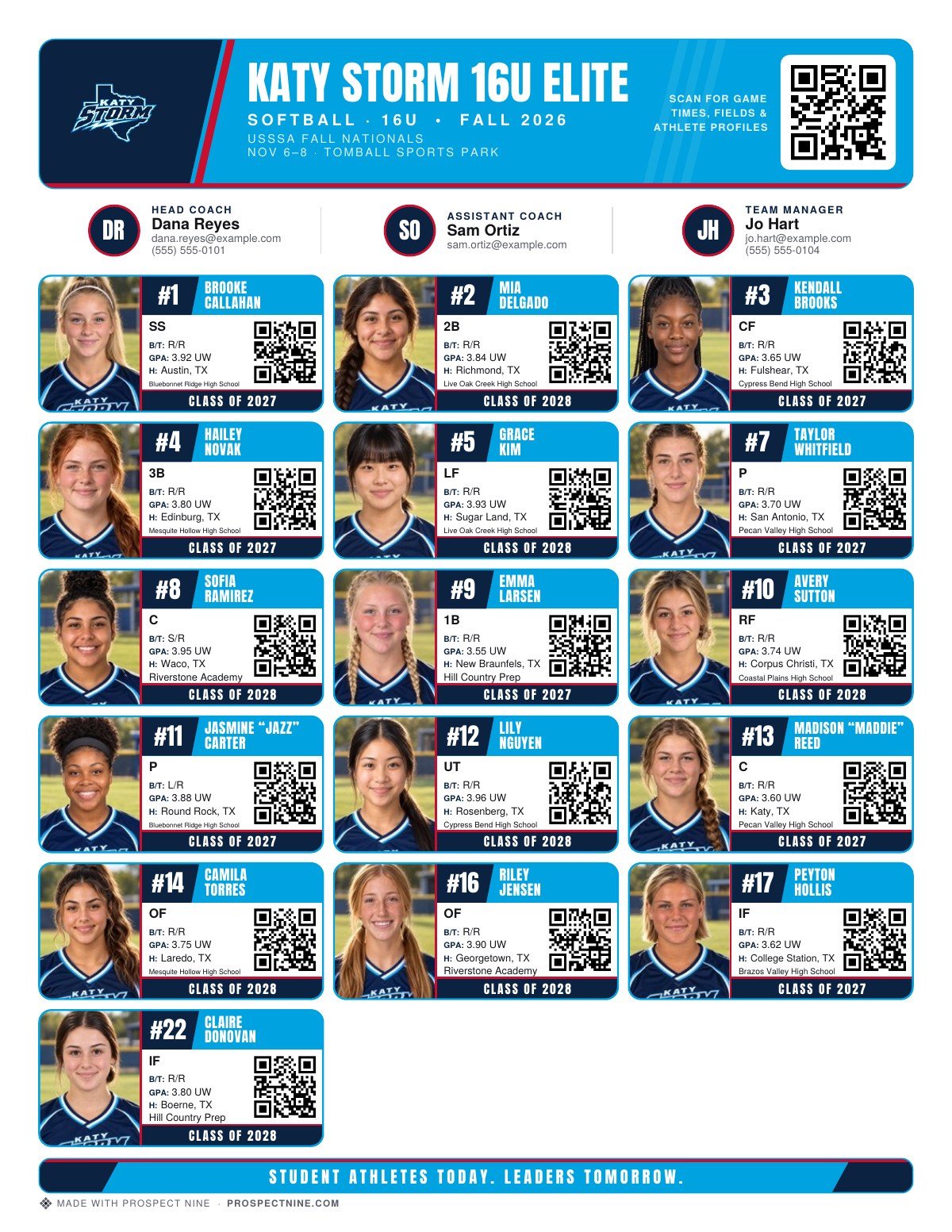
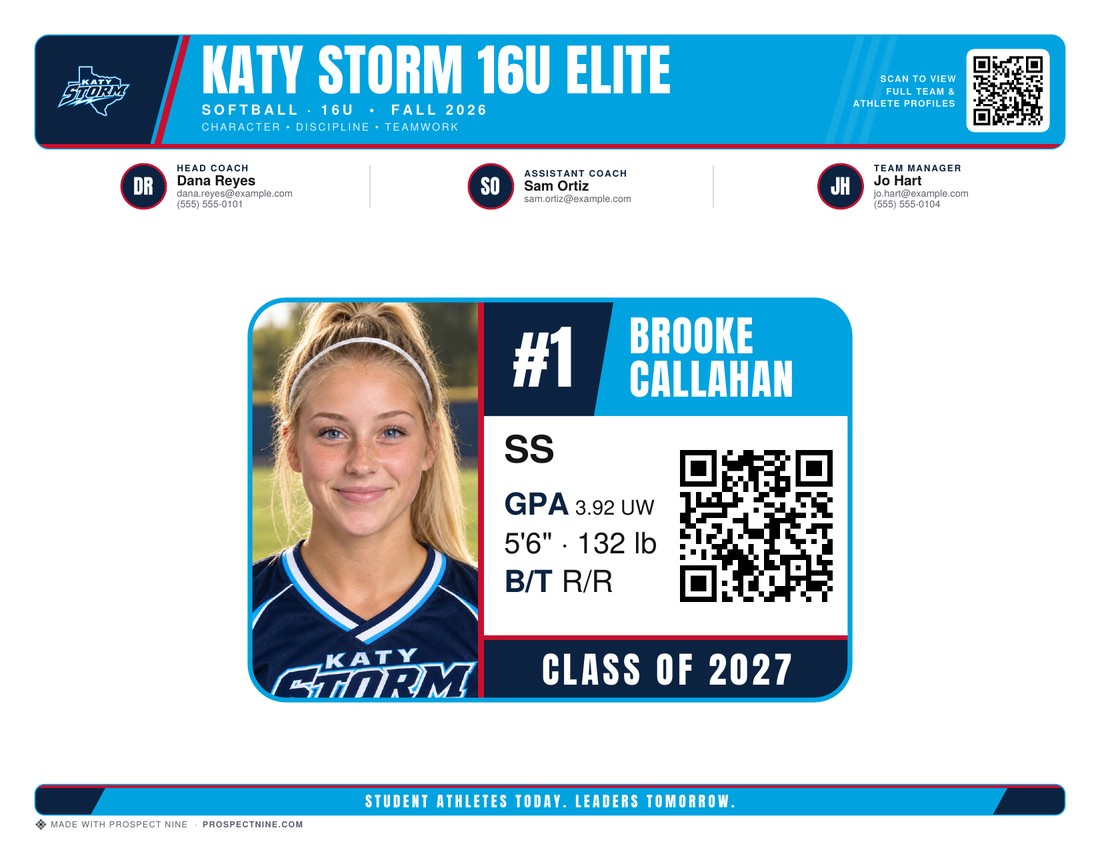
Pick who prints, portrait or landscape, everyone on one page or your own grid. A live check tells you whether the QR codes are big enough to scan from a step away. Download a PDF or an image.
Post this weekend's games.
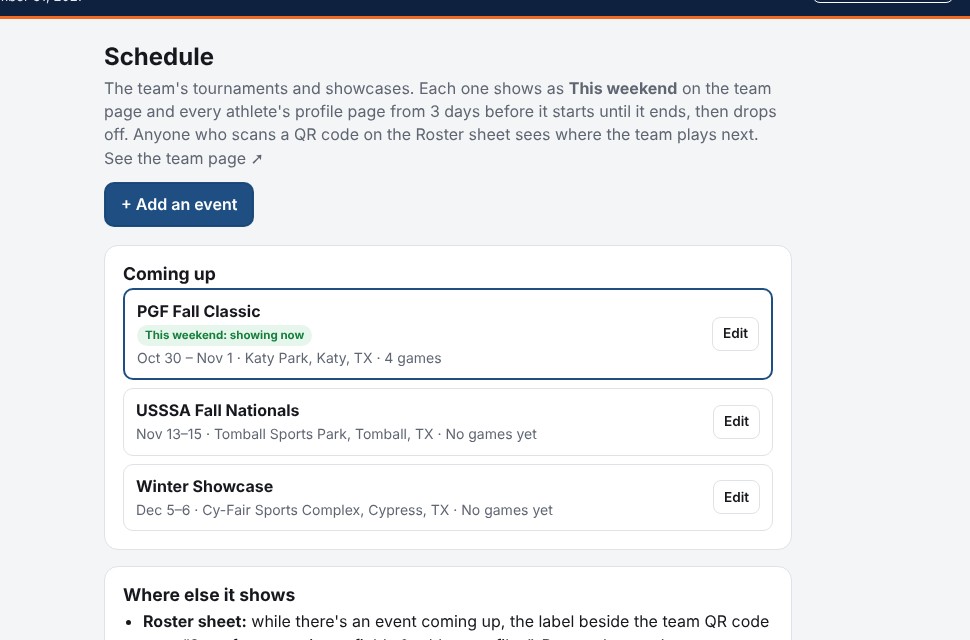
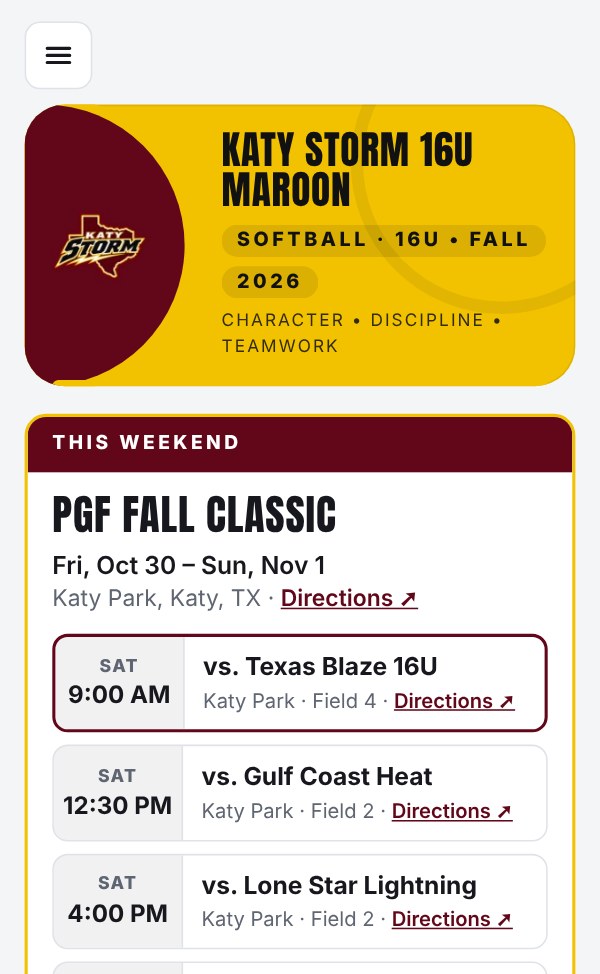
Add each tournament or showcase with its park, then the games as pool play posts: day, time, opponent and field. From three days before, the team page and every athlete's page show This weekend, and the sheet tells college coaches to scan for game times.
A college coach scans a card.
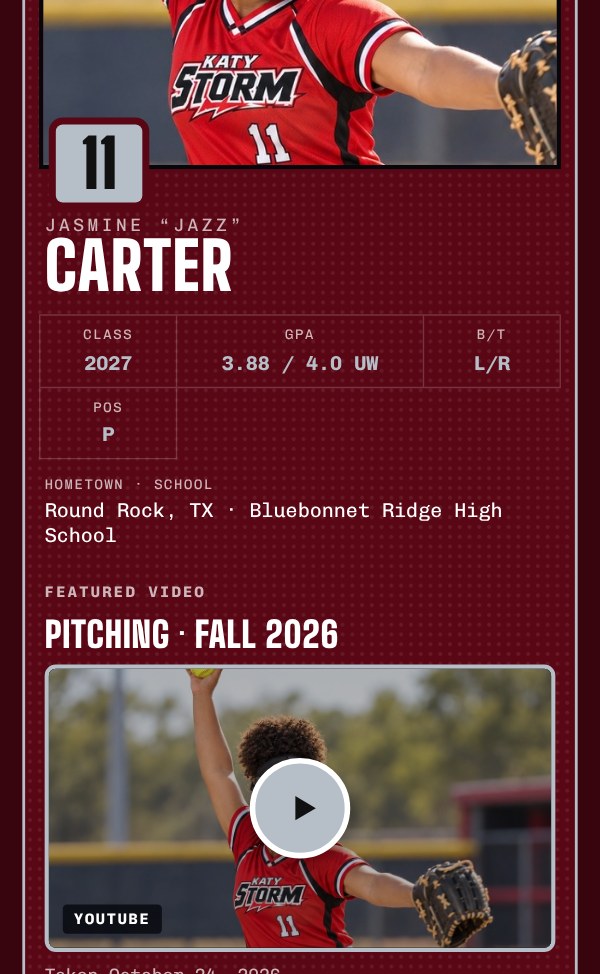
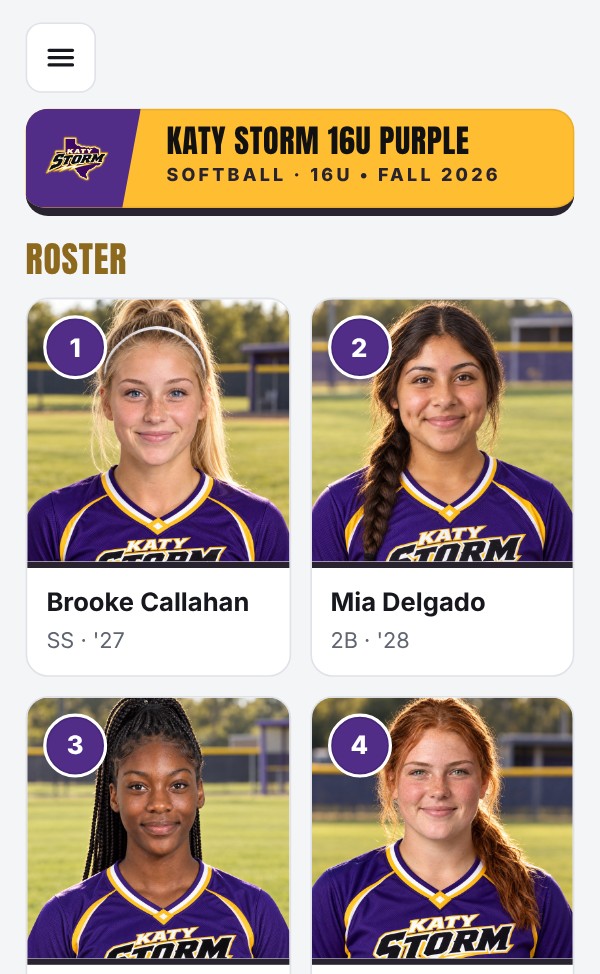
A quick scan with any phone camera opens the athlete's page instantly: photo, position, grad year, grades, bio, their Featured video playing right on the page, and your coach's contact. The team code opens the roster and where you're playing this weekend. No app to download and no login required.
See that college coaches were looking.
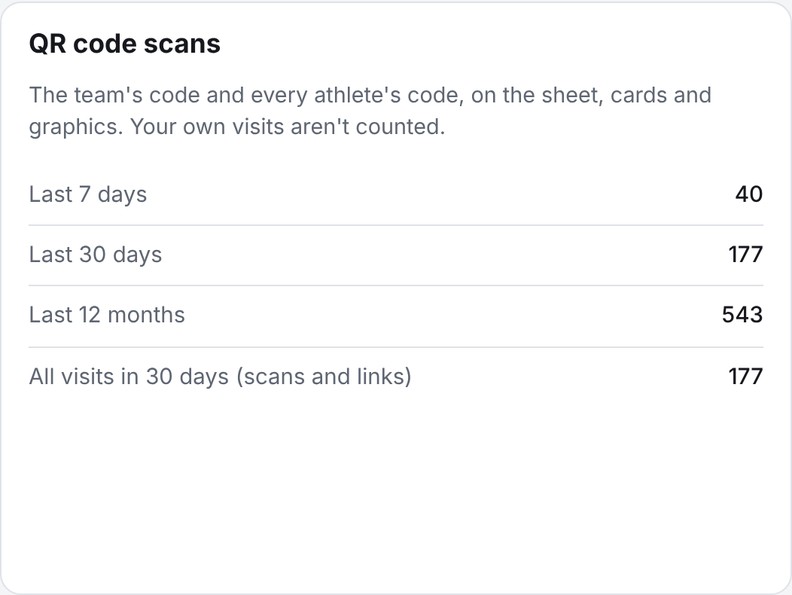
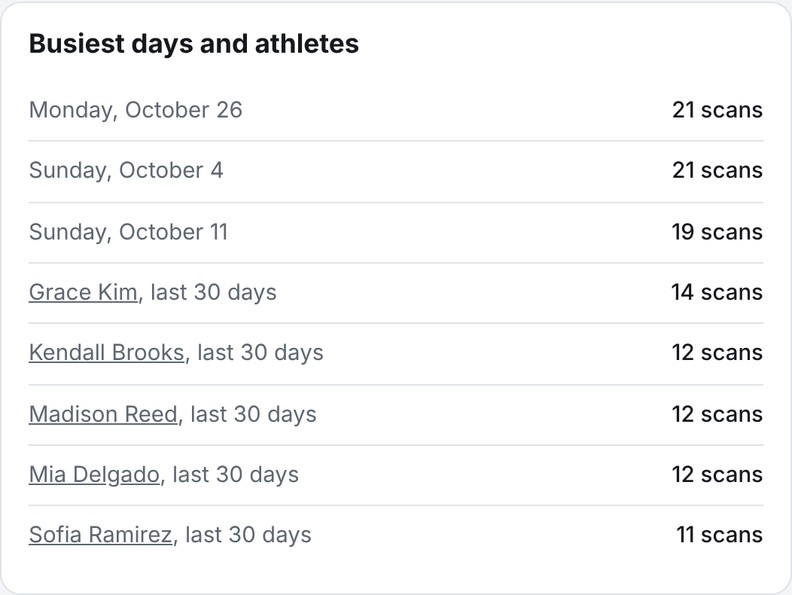
Every scan is counted for the team and each athlete, with the busiest days and the most-scanned athletes. Visits by your own admins and profile admins aren't counted, so the numbers are real interest.
Parents and athletes keep the profile current.
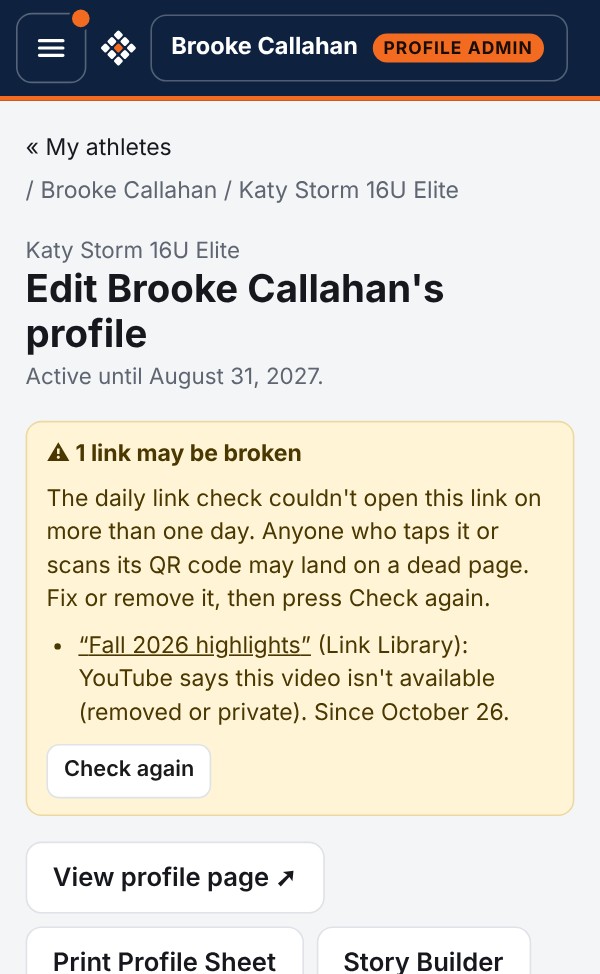
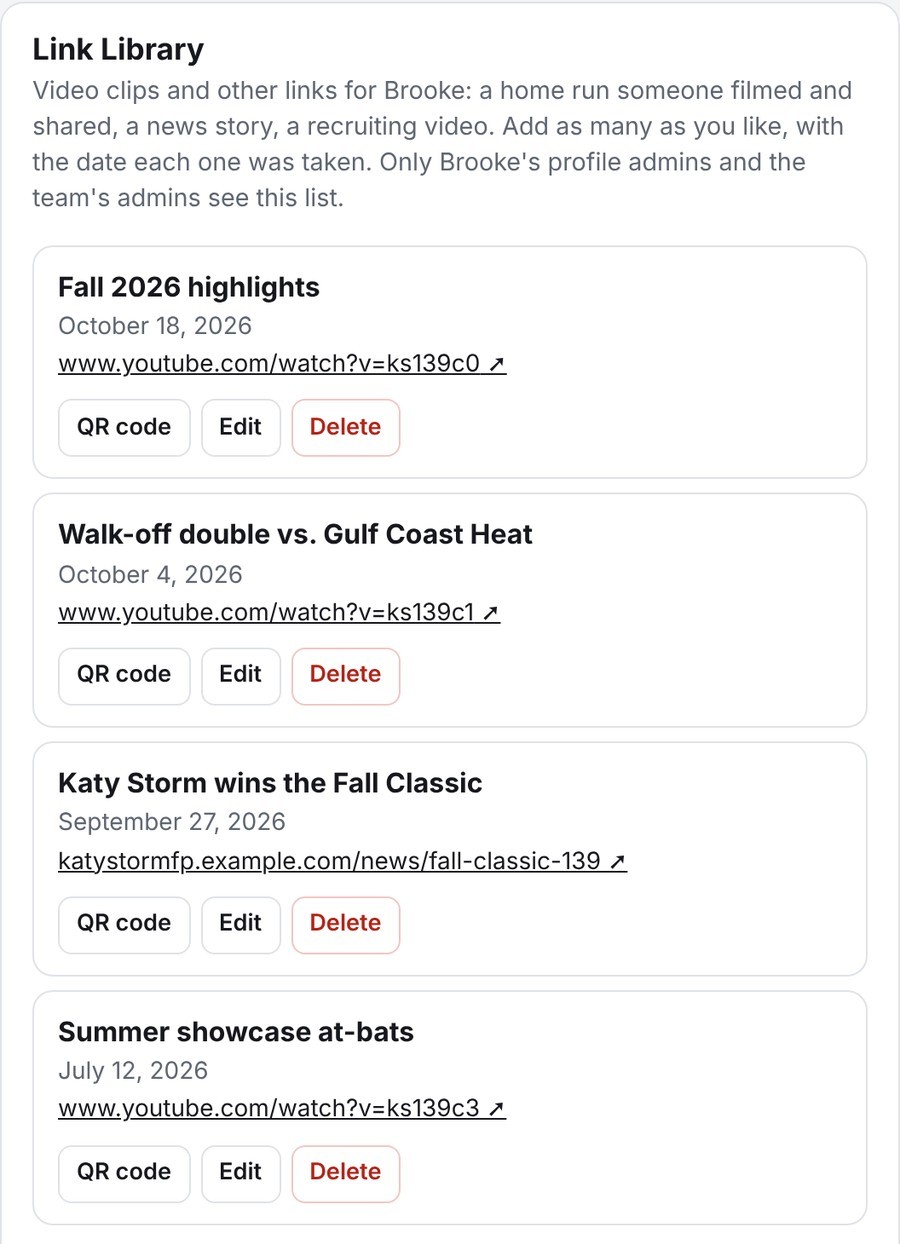
Three photos, school, grades, bio, a Featured video and social links, edited from a phone. Every clip goes in the Link Library with its date and its own QR code. Two profile admins can share one athlete.
Make the graphics in a minute.
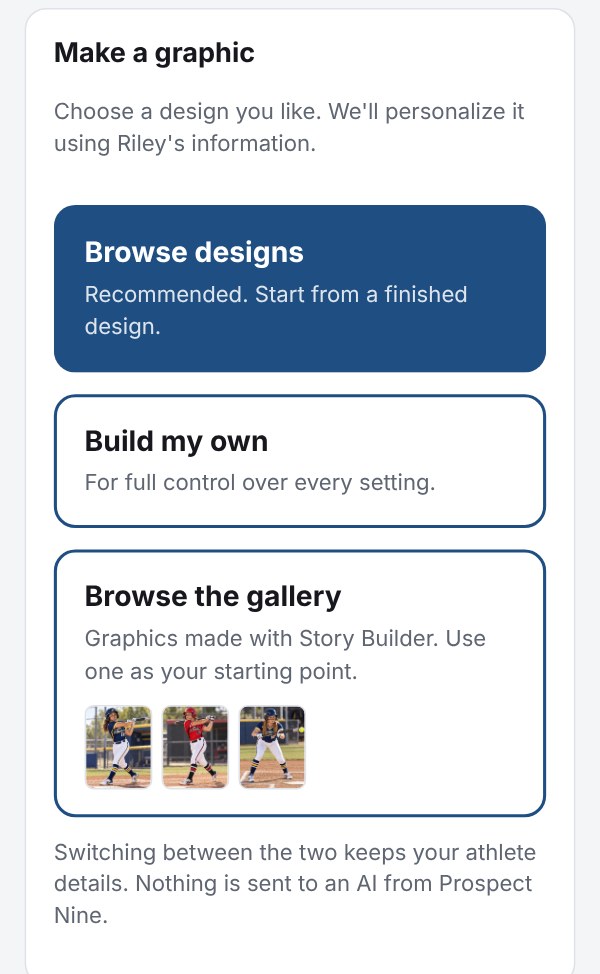
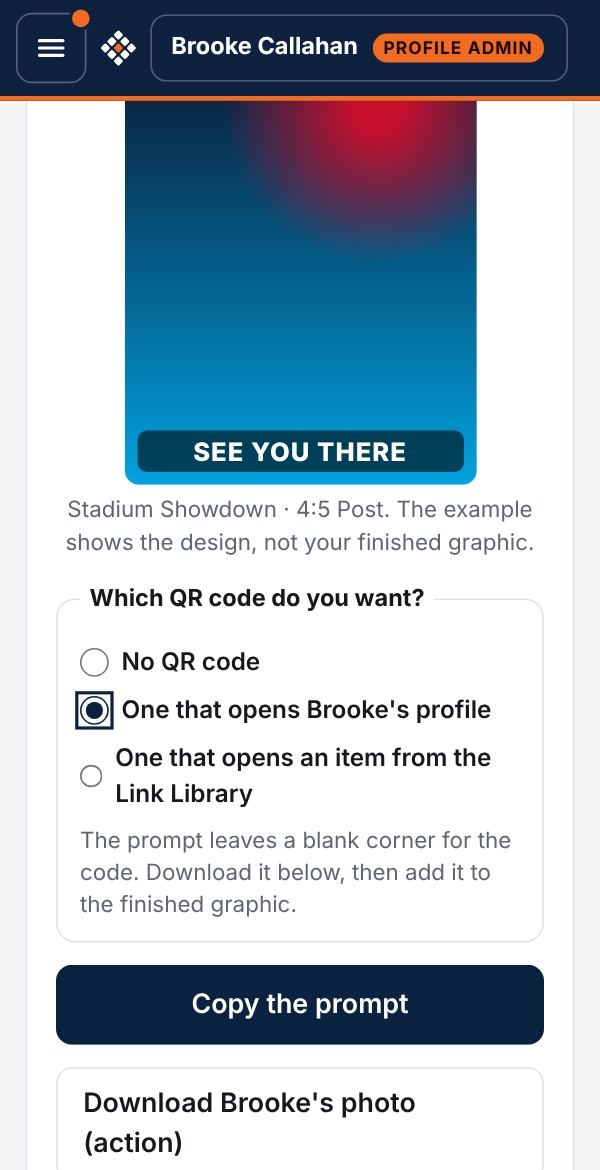
Pick a design from the Gallery, use one of your presets or start from scratch. Story Builder writes the instructions for an AI image tool: game day, a tournament schedule with every game, a big moment, an award or a college commitment, in team colors with the athlete's QR code. Save your choices as a preset and rerun them next weekend.
A card of their own for camps.
Parents and athletes can print the athlete's own 4 × 6 card for camps and showcases the team doesn't attend, in portrait or landscape.
Running several teams?
See the organization dashboard, the controls over what's published, and how to get started.